1
Say or write an idea
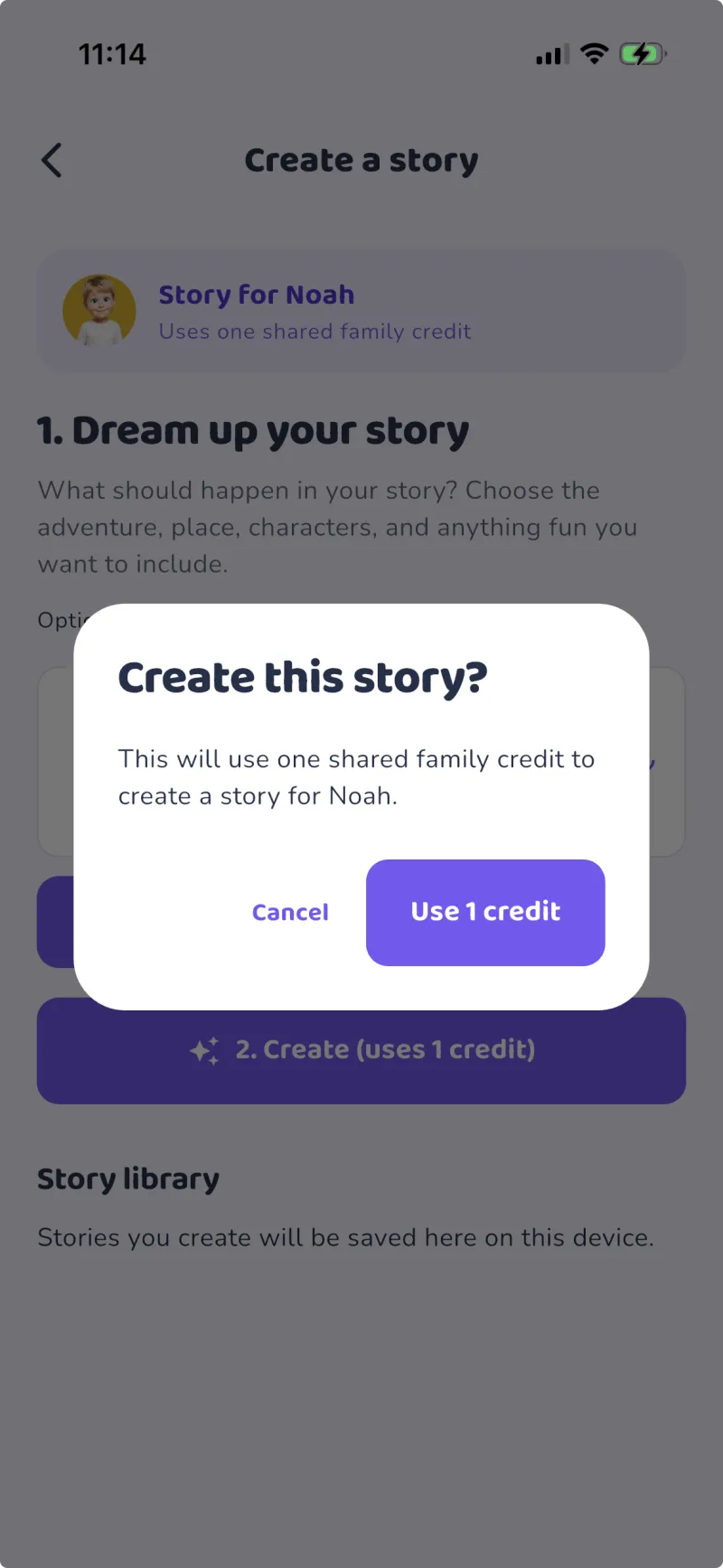
Start with about ten words, such as "Benny kicked a goal at soccer at school."
A tiny idea becomes a big adventure.
Your child speaks or types a short idea, adds their photo, and Amber's App turns it into a personalised 10-page illustrated story starring them - then guides them to read every word aloud with confidence.
Built for real families, on every device
The child creates the idea. Amber's App builds the story. Guided reading tools help them learn to read it independently.
Start with about ten words, such as "Benny kicked a goal at soccer at school."
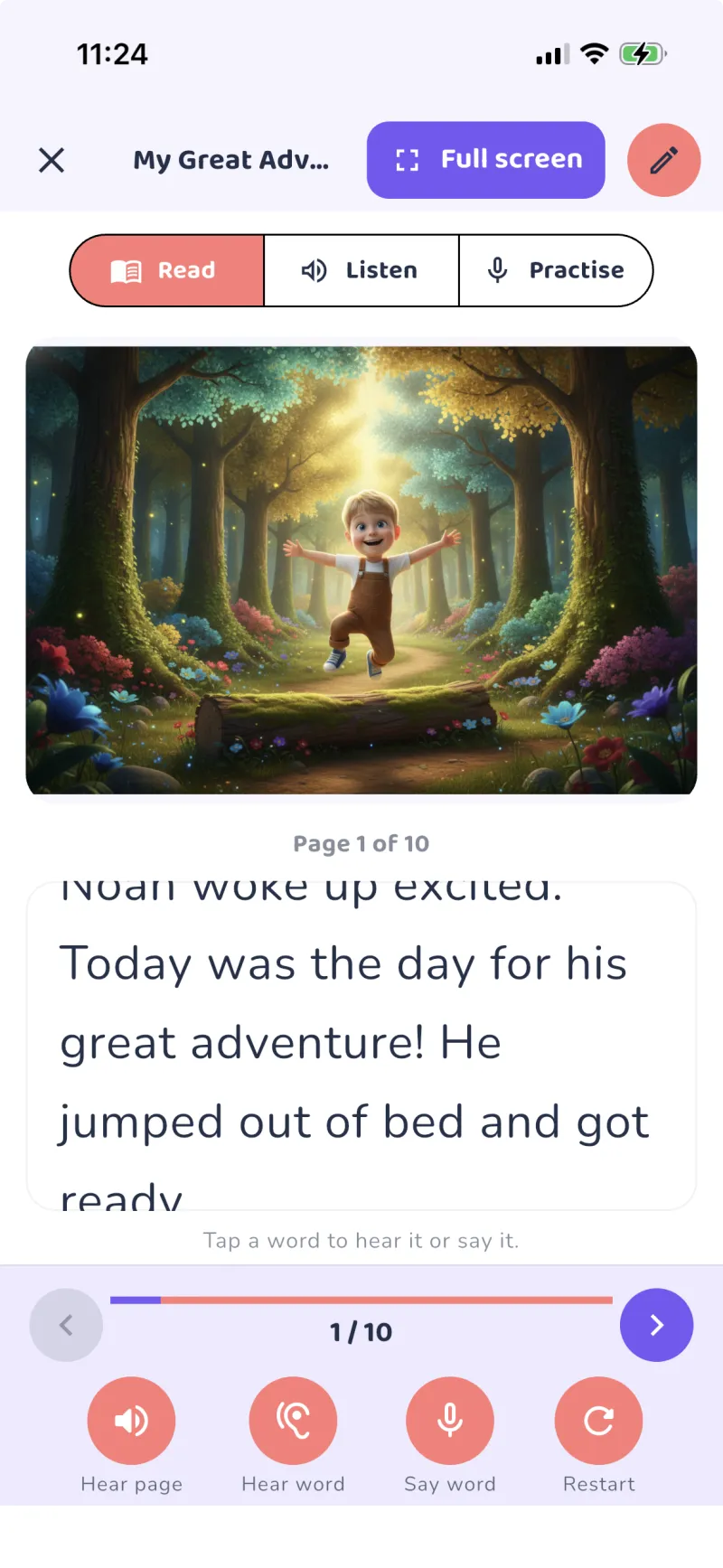
The app generates a safe 10-page story with a different colourful caricature-style image on every page.
Each word can be spoken and highlighted. The child repeats it, receives gentle feedback, and builds towards reading the whole story aloud.
From a single sentence to a fully illustrated, read-aloud storybook in about a minute. Here's the real thing, start to finish.
Every screen is designed to be simple for children and reassuring for parents.
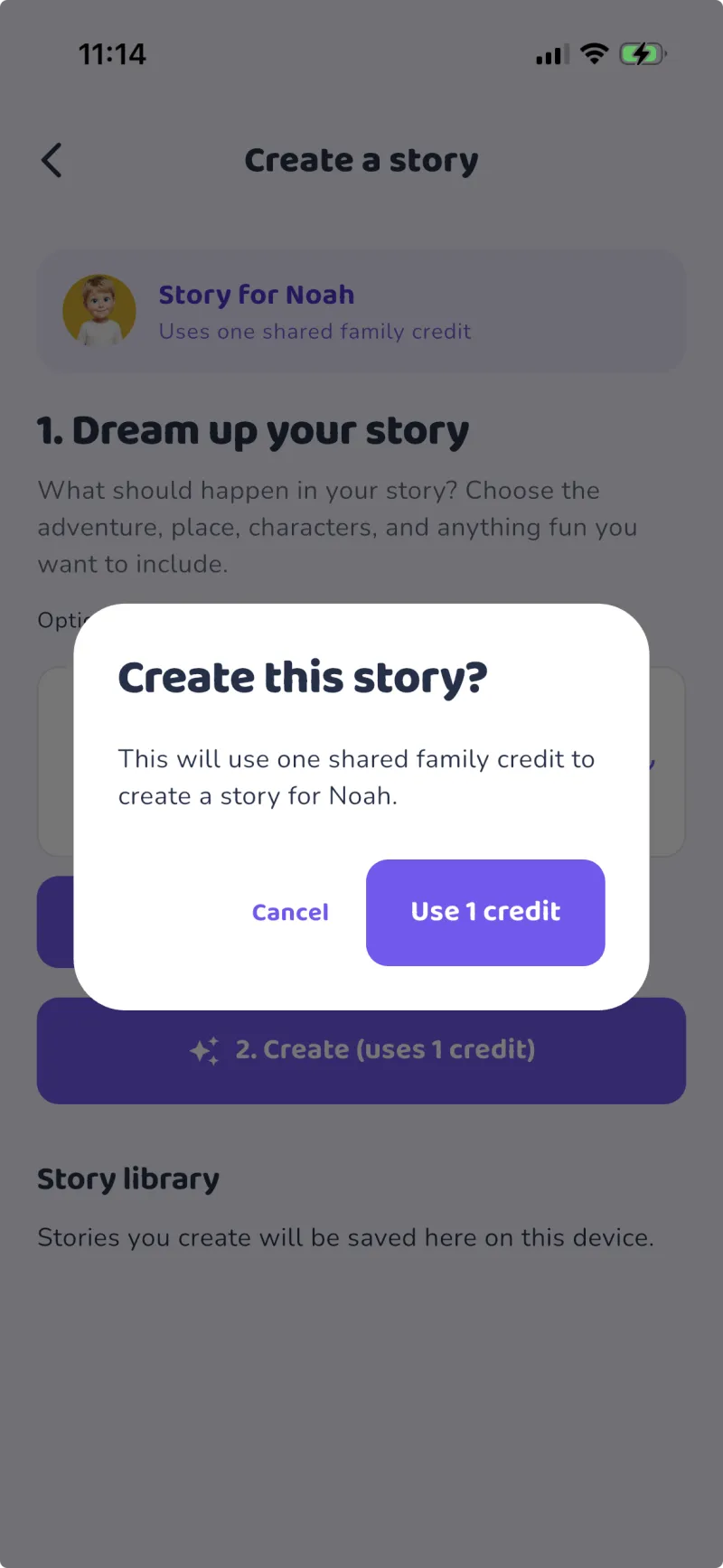
A gentle, distraction-free creator with a big microphone button.
Each word lights up as it is read, connecting sound to text.

Every saved story, organised per child, ready to read again.
The aim is not just to generate a story. It is to help the child learn it, practise it, and proudly read it to someone else.
The app highlights each word as it is spoken so the child connects the written word with its sound.
Difficult words can be replayed without restarting the page, helping the child practise at their own pace.
The child says the highlighted word and gets calm, positive feedback.
After practising each page, the child can record a complete read-through for a parent, grandparent or teacher.
Upload one photo and the child appears as the same friendly caricature character throughout their story.
Calm narration, gentle pacing and a saved library make it easy to revisit favourite stories again and again.
Real reactions from the families using Amber's App every week.
"My daughter used to avoid reading. Now she asks to make a new story every night and reads the whole thing to her nan on video call."
"Seeing himself as the hero completely changed how he felt about books. The word-by-word practice is genuinely helping his confidence."
"Finally an app I trust. No ads, no chat, both of us have our own login, and the parent controls are exactly what we wanted."
Amber's App uses a household account. Both parents get their own secure login, share one story library and one pool of credits, and manage the children together - no shared passwords.
No ads, no per-child fees, no surprises. Cancel anytime from your account.
Everything your family needs to create and read together.
Subscription auto-renews monthly until cancelled.
Need more than five stories in a month? Add credits any time.
Amber's App turns their own ideas and experiences into the story they are most excited to practise.
Free demo above - no account needed to try it.